My absolute favorite addition to my sewing room in the last year hasn’t actually been typical sewing equipment – it’s a projector. Using a projector for cutting PDF patterns has really caught on in the online sewing community lately, and I can understand why – it has totally changed my sewing workflow and saves me so much time. At a point in life when my biggest roadblock to sewing is time (trying to work from home full time with a toddler also at home full time is… tricky), being able to bypass the printing, taping, and cutting of paper patterns has truly made my sewing time so much more productive.

There have been many “how-to” blog posts and guides written lately, so rather than contribute to that growing list I figured I’d do a roundup of what’s already out there and then talk about some curvy sewing-specific concerns.
The very top spot on my list of resources definitely belongs to the Projectors For Sewing Facebook group. This group is full of excellent information, and the members are all extremely friendly, helpful, and knowledgeable. A special mention goes to the calibration guide created by a member who goes by Sasha Sewist – armed with her tool, I was able to get my projector calibrated in about half an hour. She’s put tons of time and energy into helping people get setup and troubleshooting problems in the group, and when I talked to her about writing this post she had some awesome ideas about what to cover.

Next up, a list of the general getting started/how-to blog posts I’ve come across:
- Laura Titchener of Titchy Threads has a couple of great posts, an Introduction to using projectors as well as a discussion of Tips for using PDF patterns on a projector
- Jaclyn Bruner over at Connect the Dots posted a nice Starter Guide
- The Simple Life has a pretty thorough post about Paperless Sewing
- Michelle at RockerByeDestash talks about Paper Free PDF Pattern Sewing
- Mandalynn Soileau of Striped Swallow Designs has her post about Projector Cutting
So after the initial setup, the next big topic is actually using patterns with the projector. Some pattern designers are starting to include projector files with their PDF downloads, which is obviously the most convenient, but layered A0/copyshop files work just as well in my experience (side note – if you are a pattern designer interested in offering projector files, the Projectors For Sewing group has a file with a list of features most useful to include). Especially helpful are those that use thick black lines. Personally I’ve stopped buying patterns that don’t offer A0 since getting the projector. If you want to use a pattern that isn’t optimized for projecting, there are some great tutorials about edits you can make yourself.
- Want to use a pattern that’s only available as a tiled letter or A4 PDF? You can combine the pages digitally to make a file with the whole pattern pieces – there’s a tutorial about using Microsoft PowerPoint as well as a great video about using GIMP (or Photoshop).
- Are the lines on your pattern too thin or light to view well from a projector? Check out this video on making lines thicker and darker.
- Do the pattern pieces in your A0 have the grainline facing in different directions? You can rotate the view in between cutting pattern pieces, or you could also edit the file itself to rotate individual pattern pieces.
- Do you have an A0 file that is otherwise ready to go, but you’d like to be able to have more room to scroll to optimally place the pattern pieces over your mat or projection area? You can resize your A0 file to a larger canvas to give you extra white space around the edges. Sejda is a site where you can do it online, or you can also do it with a PDF viewer that installs a print-to-PDF option on your PC like CutePDF or Foxit Reader – just add however many inches you want to each dimension of the page to determine the size to print to and make sure your page is centered.
When it comes to actually cutting out your fabric, the easiest with this method will definitely be rotary cutter and mat. If you prefer to use scissors (or if you want to make some adjustments on the fly, or if your fabric is particularly shifty), you might want to consider tracing the pattern onto your fabric first. I really like Frixion pens for this since they come out with heat, but you can also use chalk or even soap for dark fabrics.
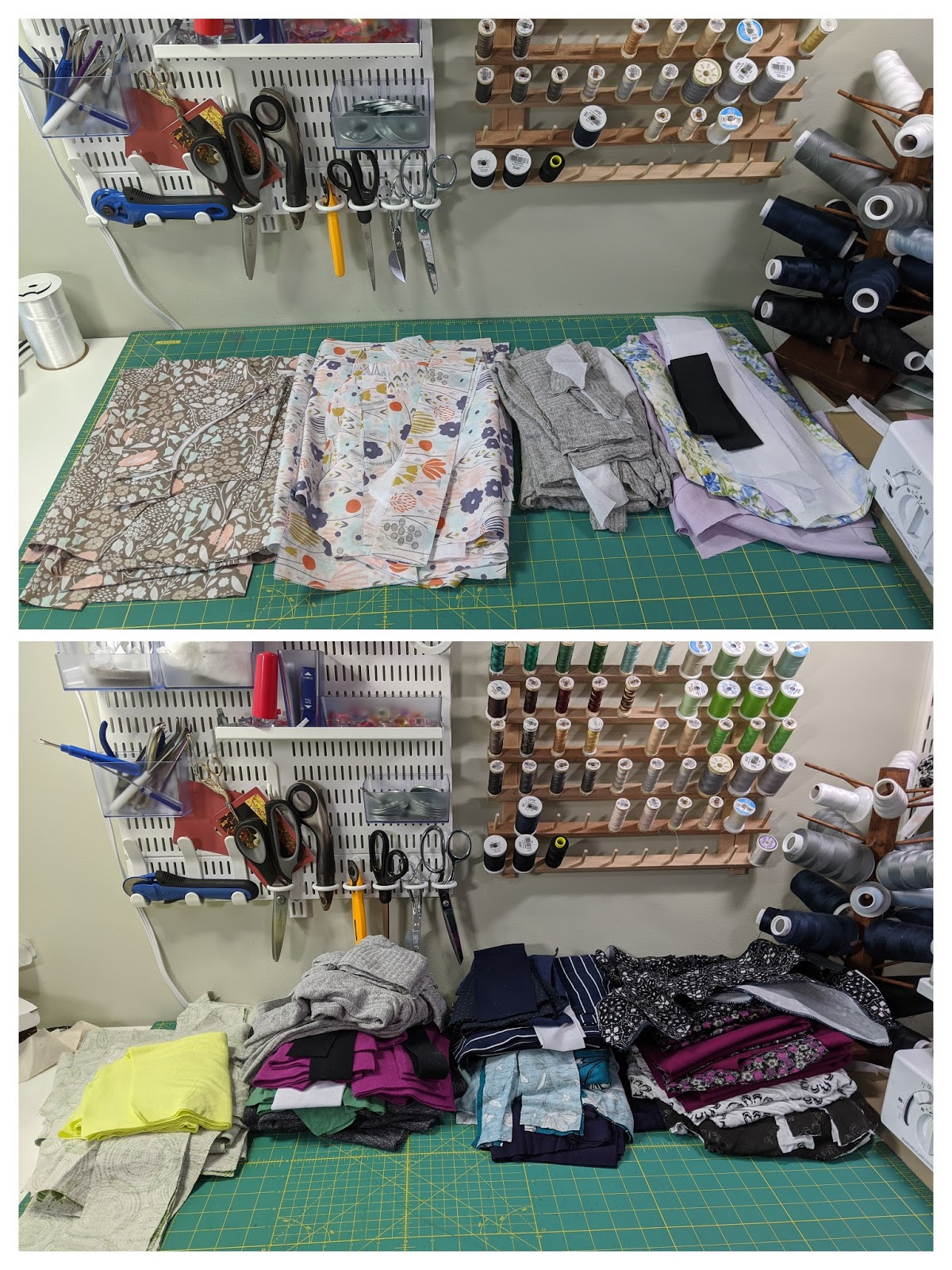
At this point you’re all set as long as you don’t need to make any pattern adjustments. Hah. Let’s say you do need to make pattern adjustments. You have options! I’ll be back with another post talking about different ways to make some common adjustments.


I would second the questions by Karen Mackenzie on June 28…can you offer some projector info, or links to info about what type of projector to get? I’m assuming we’re talking about a digital or electronic projector of some kind, not a simple light projector or enlarger? Thank you! Excellent post!
How do you know what kind of projector to purchase? Where can you find them? I’m interested in this type of pattern prep mostly because I hate dealing with the large pieces of paper and keeping them stable on the fabric using pins or weights.
Also Love Notions has a good blog on this from her perspective of using them. She also creates projector files for her patterns and has recently gone up to 5x in several patterns.
Any advice on projectors would be helpful.
Great write-up. Saw a YouTube about a projector the size of a cell phone that clamps onto a stand on the sewing table. I’m definitely interested in this (non-permanent, more elegant) set-up. Tech is changing home sewing in a great way! Next up, we need laser cutting!
I have seen that projector options were included in some PDF’s but hadn’t looked into it – this sounds amazing!!!!!Thank you for bringing it to attention!
great information, thanks for compiling and sharing!
When my kids were young, I would claim my hobbies were dishes and laundry. Those are what I did in my spare time. lol
Haha! Especially with all of us home all the time now, I feel like the dishes and laundry are never-ending.
Thank you so much for this! I am just working on trouble-shooting my PDF projecting set up, and have run into most of the issues you mentioned. I keep forgetting where I found this template or that workaround for not being able to scroll my A0 pattern piece as far as I want it…etc. It is nice to have all of these resources in one place.
Thanks Carla! I hope you get your setup sorted soon, it’s such a great tool to have!